Step 1
Connect a provider
Install GitHub, Slack, Vercel, Notion, Supabase, or other supported providers once. Connexsus handles the provider-specific auth flow and keeps credentials behind the managed gateway.
Connexsus lets developers connect providers once, expose MCP tools through one managed gateway, and reuse that same project-scoped setup from supported clients.
This is not a sandbox and it is not a sales video. It is a concise walkthrough for developers who want to understand the product loop before joining the beta waitlist.
Install GitHub, Slack, Vercel, Notion, Supabase, or other supported providers once. Connexsus handles the provider-specific auth flow and keeps credentials behind the managed gateway.
Project assignment decides which providers and tool surfaces belong to a given team workflow. You keep provider scope reusable without reconnecting every MCP client separately.
Cursor, Claude, Codex, and other MCP-capable clients call the same project-scoped endpoint. The agent sees the right provider tools without extra per-client wiring.
A developer is investigating a production regression. The project has GitHub, Slack, and Vercel assigned. The coding agent uses one MCP session, not three separate integration setups.
Investigate the last failed deployment for the checkout service, summarize the related GitHub changes, and draft a Slack thread reply with the likely cause and next action.
Connexsus is real product surface, not a storyboard. These screenshots come from the running Connexsus UI: public provider discovery, provider detail, and the MCP setup docs developers can inspect before they install.
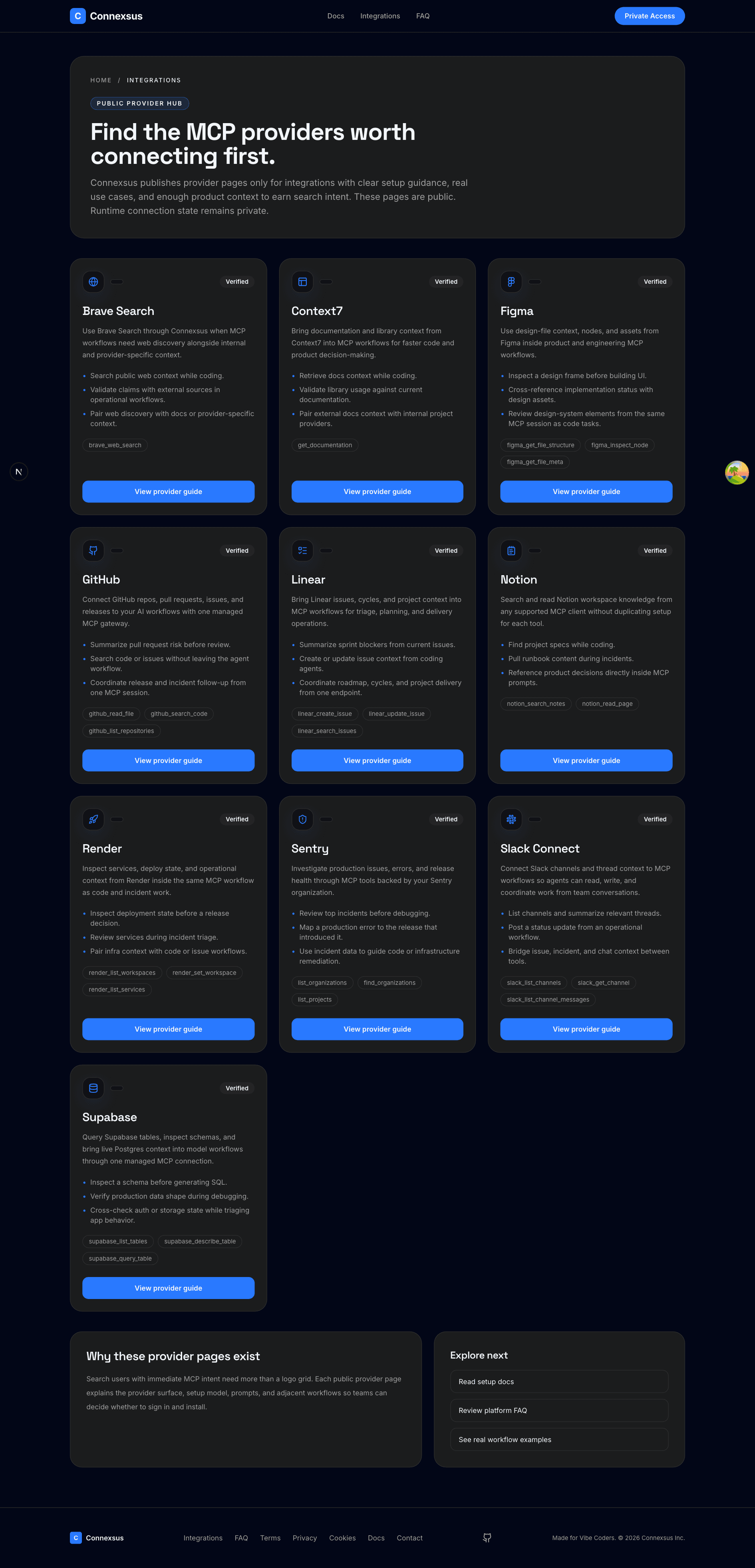
Browse installable providers, read capability previews, and start OAuth or credential flows without leaving the managed surface.
Browse integrations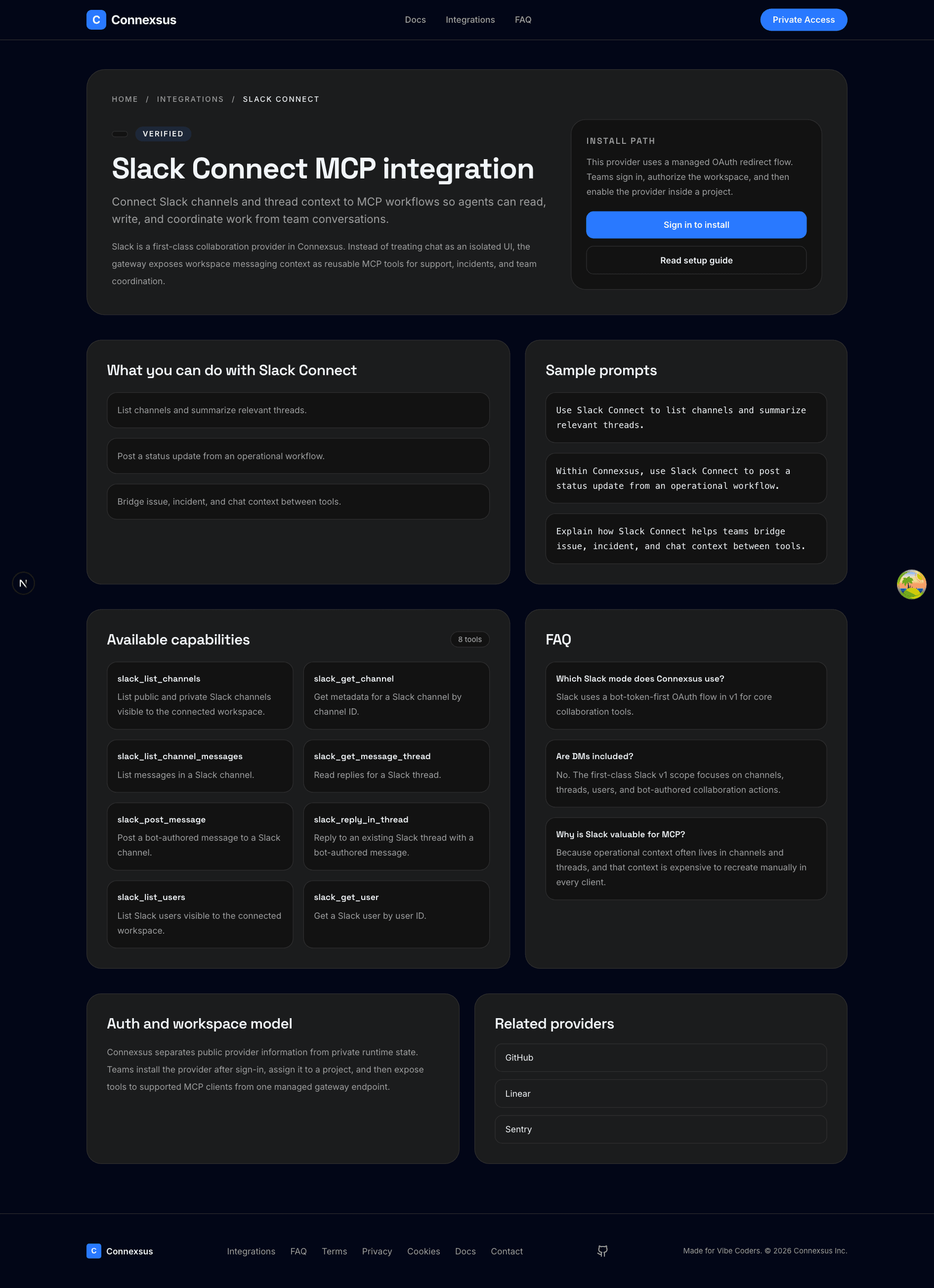
Each provider page explains connect flow, capabilities, and prompts so developers understand what the integration actually unlocks.
View provider guide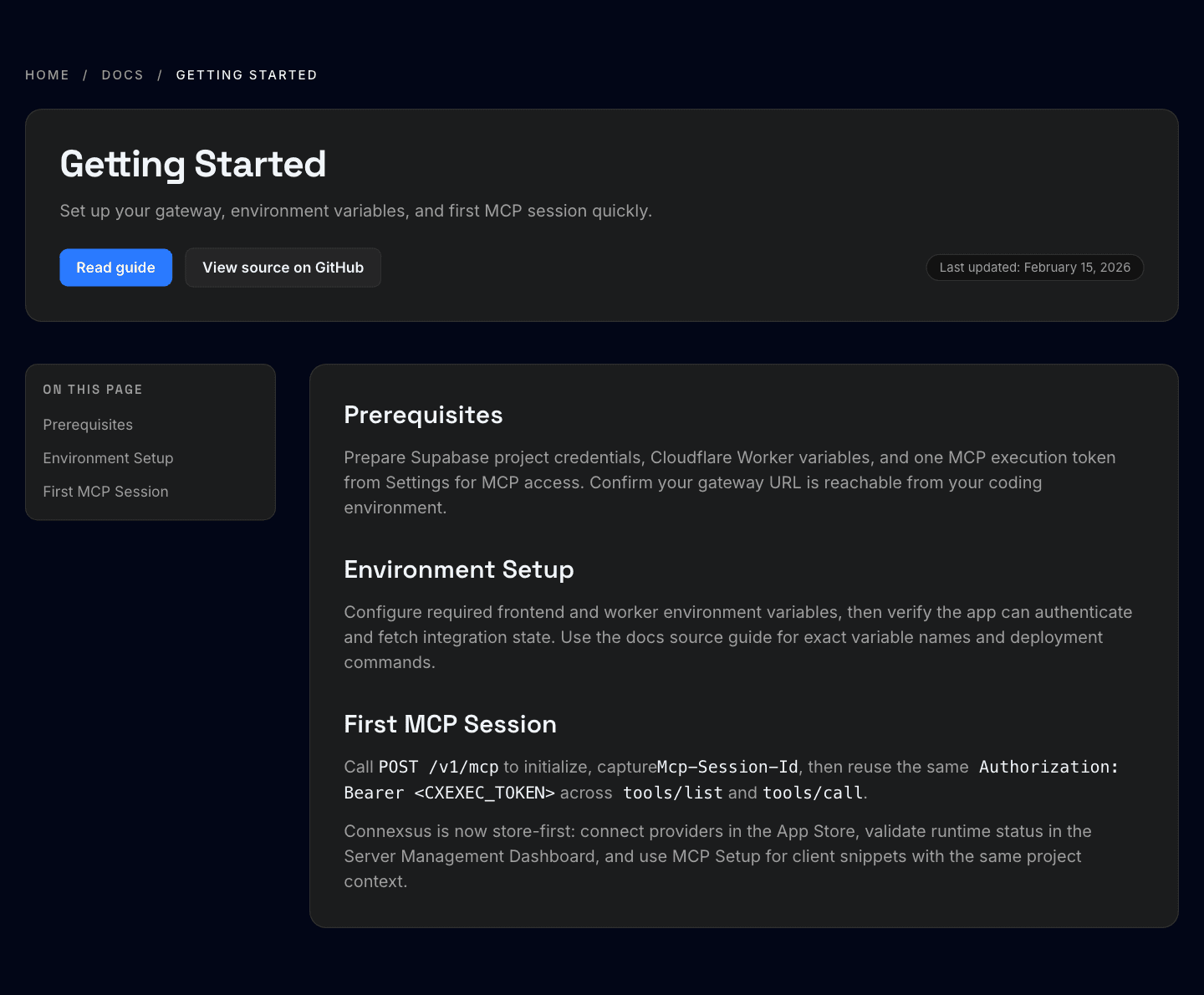
The setup docs show how the same project gateway is used from supported MCP clients after providers are assigned and enabled.
Read setup guideJoin the waitlist now, then connect providers, assign them to a project, and use the same managed MCP endpoint across your supported clients when beta invites begin. If you want to inspect the provider surface first, browse the public integrations hub.